# Text to Video

## Summary

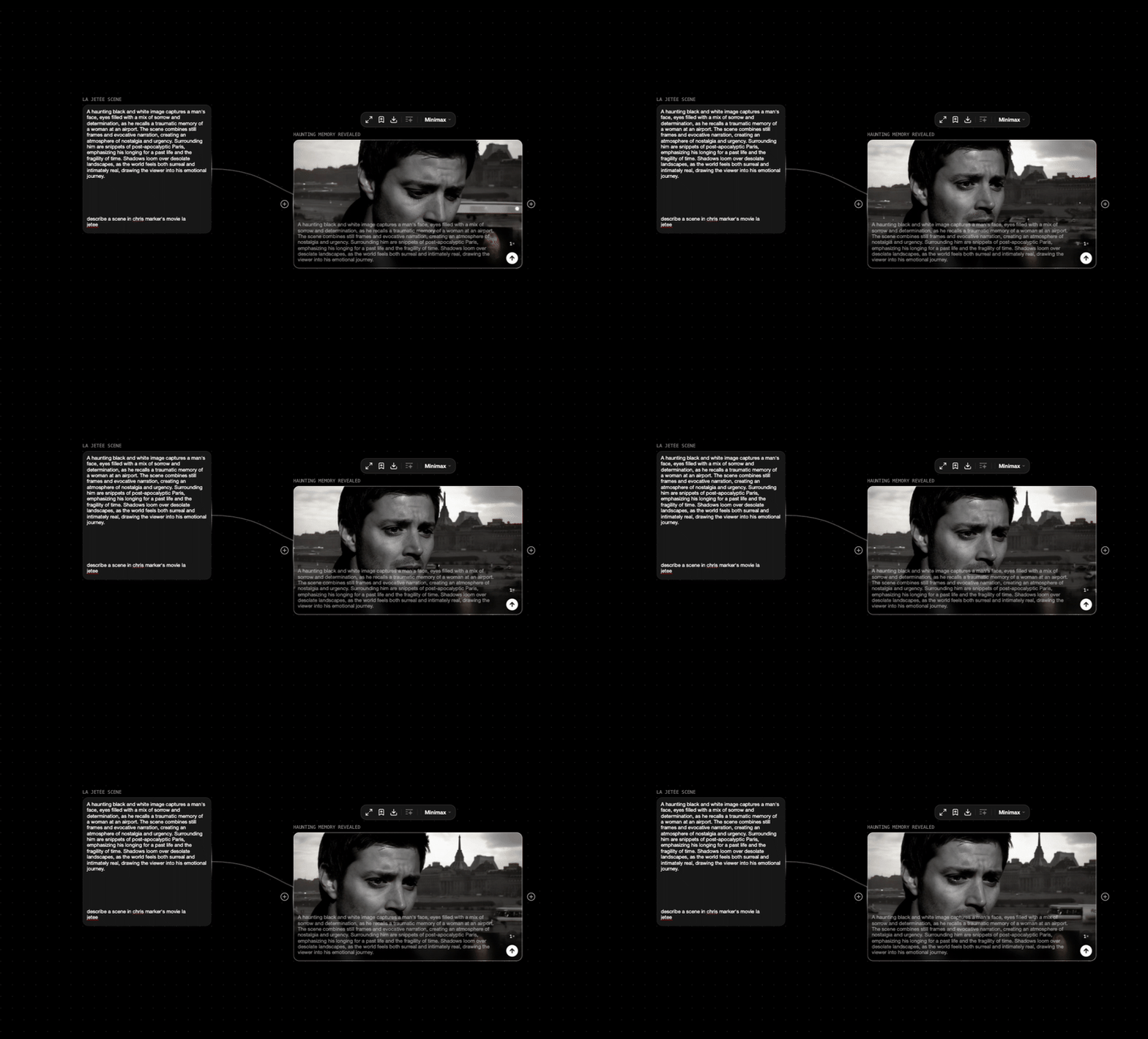
Text-to-Video models generate videos by taking a text prompt as input, using the prompt to guide scene composition, motion, and style, resulting in dynamic video content that matches the described narrative or visual concept.

<figure><img src="https://526296967-files.gitbook.io/~/files/v0/b/gitbook-x-prod.appspot.com/o/spaces%2FWthH0GpcCHwVdtbvahZS%2Fuploads%2FfbfQzWdougCcIi5c3f7c%2FScreenRecording2025-02-24at1.56.19PM-ezgif.com-video-to-gif-converter.gif?alt=media&#x26;token=715c3588-11e2-40c4-8b1b-d07ed9583cb6" alt=""><figcaption></figcaption></figure>

### Parameters

These are parameters that are applicable to all our base models.

<table><thead><tr><th width="221">Parameter</th><th>Type</th><th>Effect on Output</th></tr></thead><tbody><tr><td>Prompt</td><td>Text</td><td>The text prompt is processed through the selected model.</td></tr><tr><td>Aspect Ratio</td><td><p><em>Landscape</em> - <em>16:9 (576x1024)</em>,</p><p><em>Portrait</em> - <em>9:16 (1024x576), Square - 1:1.</em></p></td><td>This changes the output size of the node with a couple of options.</td></tr><tr><td>Seed</td><td>Seed</td><td>The seed is a deterministic number that indexes generations from the model. It's typically randomized, but you can set a seed if there's a particular output you're looking for! Keep in mind that all parameters must be the same in order for a given seed's output to persist.</td></tr></tbody></table>

### How to use

Prompting is everything for Text to Video. Refer to the [Text to Text](https://docs.flora.ai/nodes/text-node/text-to-text) card to explore more workflow combinations to unlock the full potential of text to video node.

Here are some example workflows using Text to Video in our community page:

* [Text to Video Node Example](https://www.florafauna.site/projects/join/a5327afd-b194-4f4a-8494-d65257ea459a)
* [Worldbuilding Workflow](https://www.florafauna.site/projects/910)
