> For the complete documentation index, see [llms.txt](https://docs.flora.ai/llms.txt). Markdown versions of documentation pages are available by appending `.md` to page URLs; this page is available as [Markdown](https://docs.flora.ai/nodes/image-node/image-to-image.md).
# Image to Image
## Summary
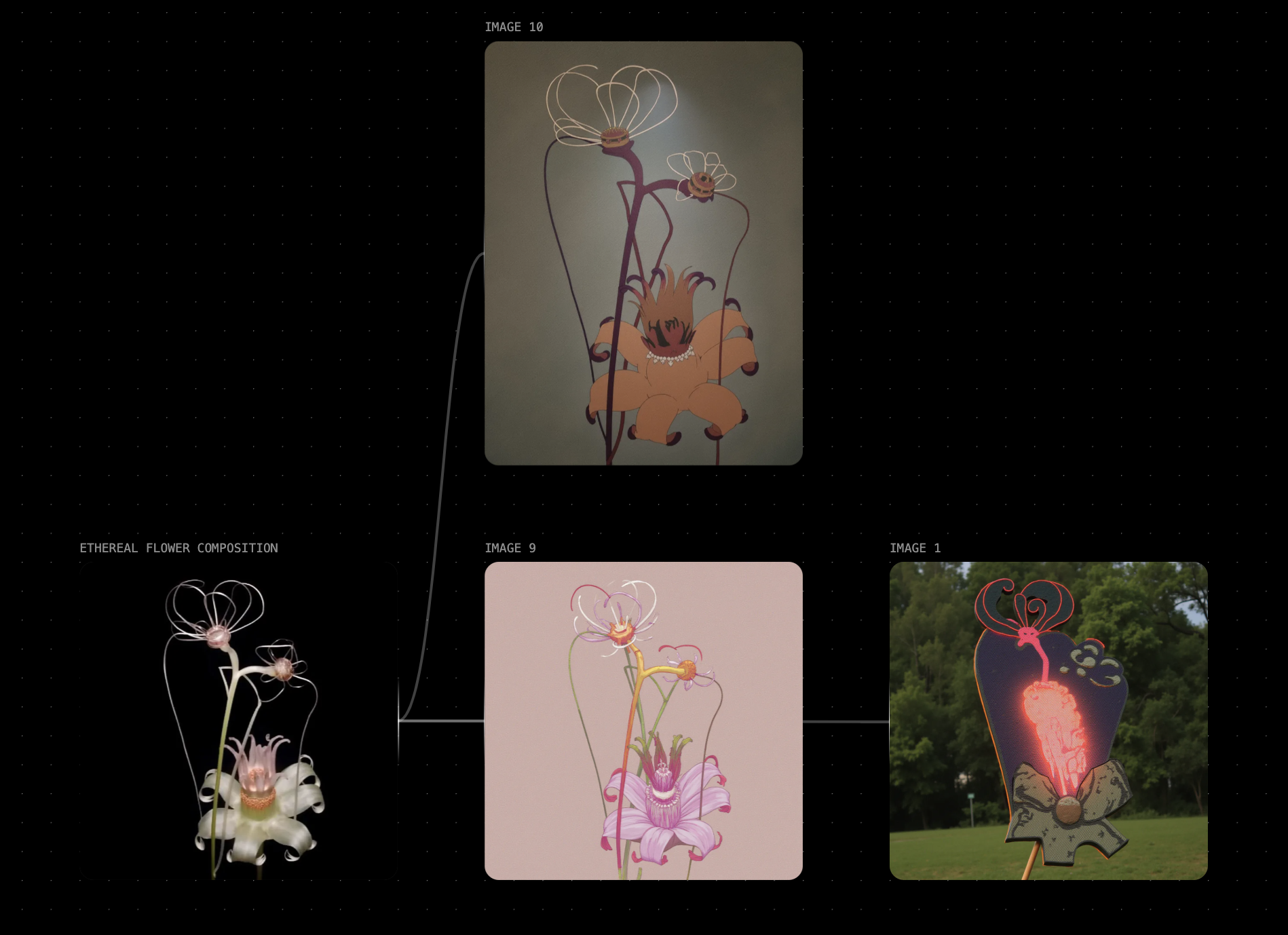
Image to Image is an essential tool for creative evolution. It empowers transforming existing visuals, refining details, experimenting with styles, and enhancing narratives with precision. Whether you’re iterating on a concept sketch, reimagining a scene with new aesthetics, or blending multiple ideas into a cohesive composition, **Image to Image** unlocks new dimensions of creativity, enabling continuous exploration and storytelling through visual transformation.
### Image to Image Models
Visit [Image Models](/models/image-models.md) to see a full list of image to image (i2i) models and their capabilities.
### Parameters
Image models generally accept the following parameters. Check each model for specifics.
| Parameter | Type | Effect on Output |
| ---------- | --------------------------------------------------------------------------------------------------------------------------------------------------------------------------------------------------------------------------------------------------- | --------------------------------------------------------------------------------------------------------------------------------------------------------------------------------------------------------------------------------------------------------------------------------- |
| Prompt | Text | The text prompt is processed through various visual information extraction models (Canny, Depth, Redux), each uniquely interpreting different features of the input image to generate new visuals. |
| Style | Different kinds of stylistic presets (*3D, Anime, Cyberpunk, Extreme Detailer, Game Asset, Logo, Midjourney, Motion Blur, Panorama, Pixar, Pixel, Retrofuturism, Studio Ghibli, Tarot Card, Thermal Image, Vector, Victorian Drawing, Watercolor*). | The style presets modify the rendering phase by influencing color schemes, textures, and artistic techniques, transforming the structural output from ControlNet into diverse visual interpretations. |
| Strength | 0%-100% | The strength parameter alters the amount that the text influences the output image versus the source image. The higher the strength is, the more influence the text has. |
| Image Size |
| This changes the output size of the node with a couple of options. |
| Seed | Seed | The seed is a deterministic number that indexes generations from the model. It's typically randomized, but you can set a seed if there's a particular output you're looking for! Keep in mind that all parameters must be the same in order for a given seed's output to persist. |
---
# Agent Instructions
This documentation is published with GitBook. GitBook is the documentation platform designed so that both humans and AI agents can read, navigate, and reason over technical content effectively. Learn more at gitbook.com.
## Querying This Documentation
If you need additional information that is not directly available in this page, you can query the documentation by asking a question.
Perform an HTTP GET request on the following URL with the `ask` and `goal` query parameters:
```
GET https://docs.flora.ai/nodes/image-node/image-to-image.md?ask=&goal=
```
`ask` is the immediate question: it should be specific, self-contained, and written in natural language.
`goal` is what the user is ultimately trying to achieve, the reason they need the answer. Sharing it helps GitBook give you a better, more relevant answer. A goal is most helpful when it describes the outcome the user wants rather than restating the question. For example, with `ask=how do I create an API token`, a goal like `automate deployments from our CI pipeline` lets GitBook tailor the answer to that use case.
The response will contain a direct answer to the question and relevant excerpts and sources from the documentation.
Use this mechanism when the answer is not explicitly present in the current page, you need clarification or additional context, or you want to retrieve related documentation sections.