> For the complete documentation index, see [llms.txt](https://docs.flora.ai/llms.txt). Markdown versions of documentation pages are available by appending `.md` to page URLs; this page is available as [Markdown](https://docs.flora.ai/models/image-models/nano-banana-gemini-2.5-flash-image-by-google.md).
# Nano Banana (Gemini 2.5 Flash Image) (by Google)
## **Overview**
High-fidelity image generation and editing (photo-real & stylized) — fast, edit-first workflows.
***
### **Quick facts**
* **Modes:** Text → Image · Image → Image (editing) · Images → Image.
* **Default output / size:** 1024×1024 (Square)
* **Aspect ratios:** Square, Landscape, Portrait (determined by input image)
***
### **What it’s great for**
* Fast photo edits and stylized generation.
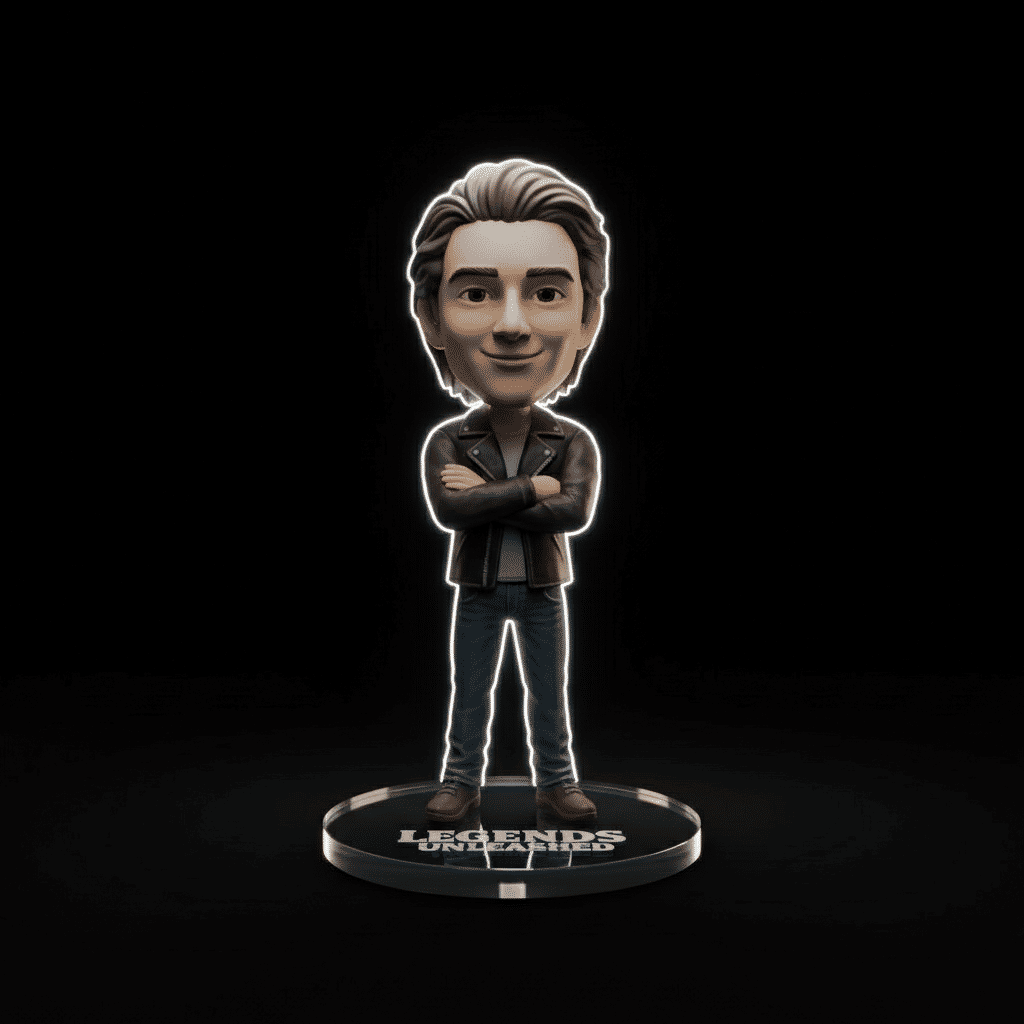
* Turning photos into collectible / toy-style renders.
* Multi-image fusion and targeted local edits.
***
### **Example outputs**
{% hint style="info" %}
Hero portrait — edited photo to collectible render
{% endhint %}
{% hint style="info" %}
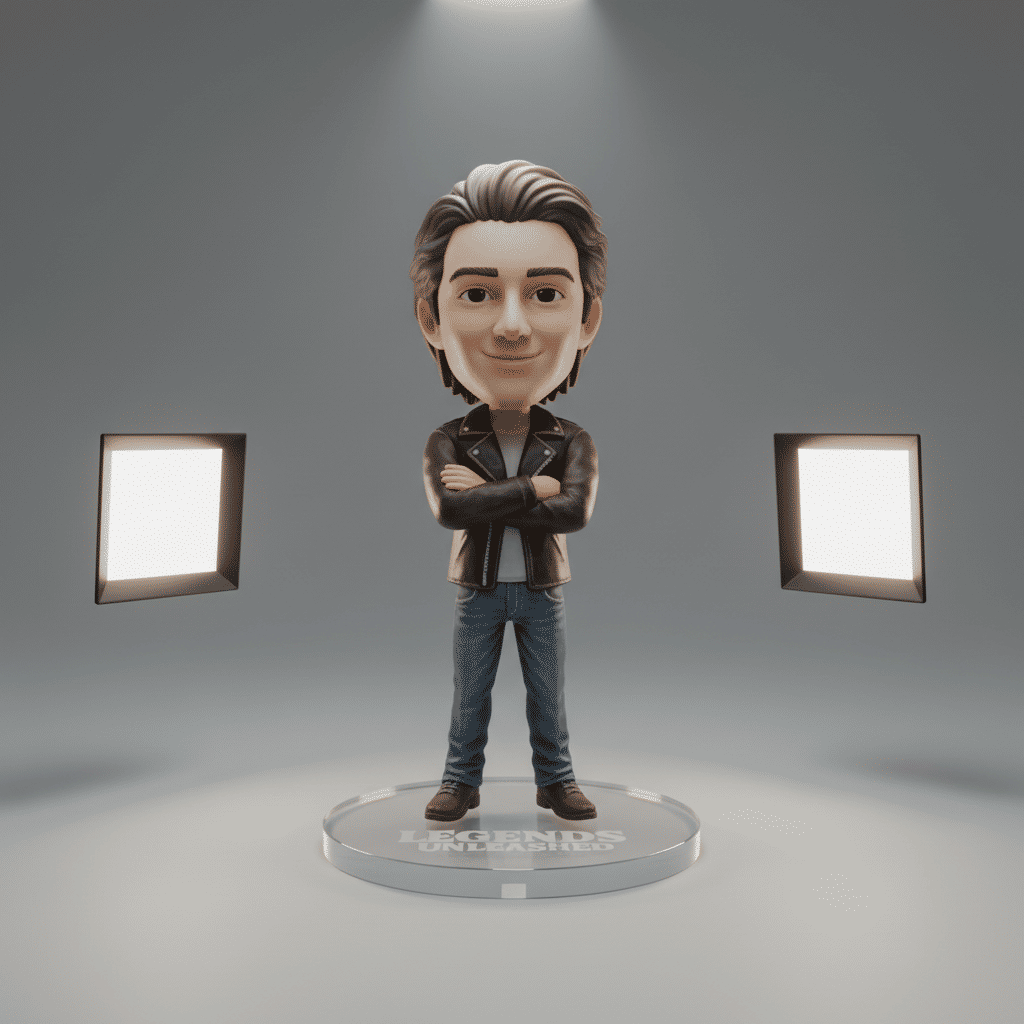
Stylized figurine render
{% endhint %}
{% hint style="info" %}
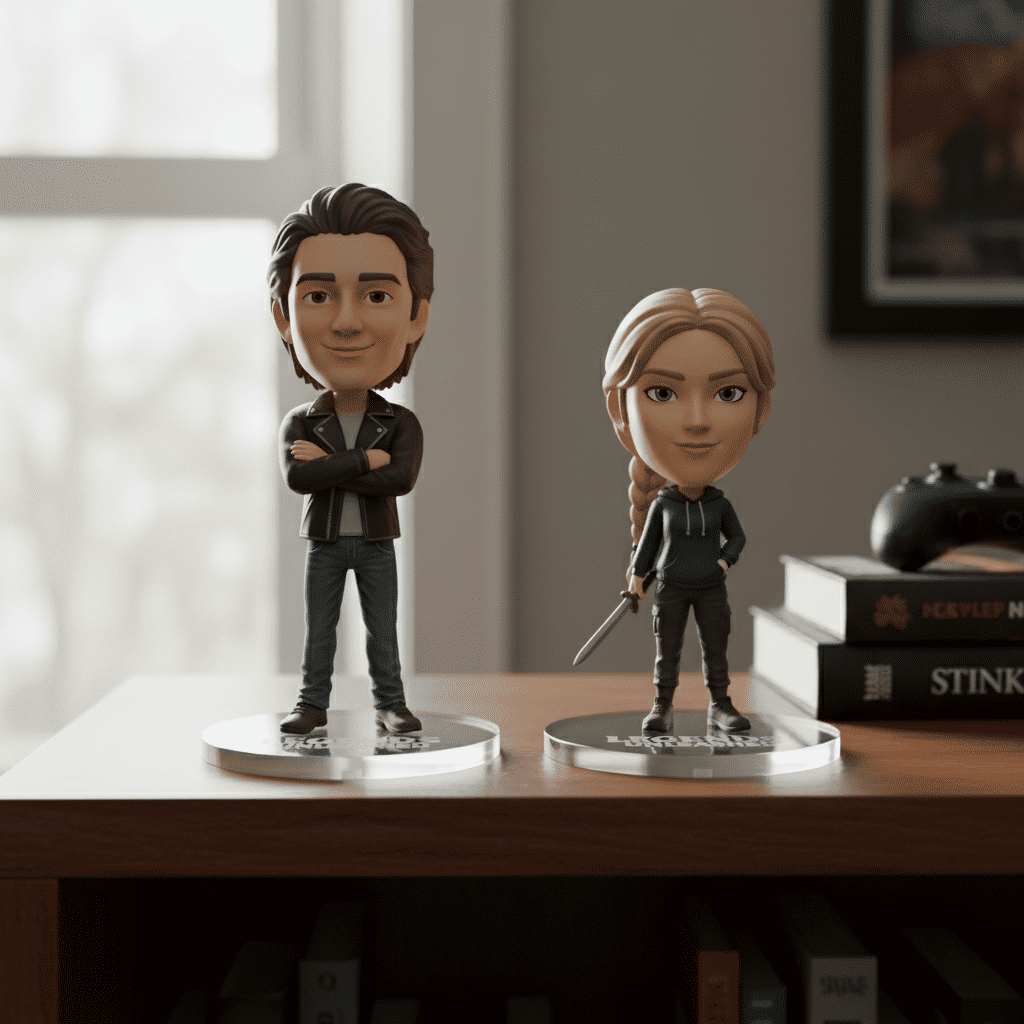
Multi-image fusion composite
{% endhint %}
#### **Copy-and-paste prompts**
```
Portrait photo retouched into collectible 3D figurine on acrylic base, studio lighting, crisp detail
```
```
Edit: remove background and add dramatic rim light, maintain subject skin tones, photoreal
```
```
Blend two product images into a single shelf display with natural shadows and reflections
```
***
### **Parameters**
| Name | Type | Default | Notes |
| ----------------- | --------- | ------- | ------------------------------------------------ |
| `Prompt` | Text | — | Natural-language description (required) |
| `Reference Image` | Image | — | Required for edits / multi-image fusion |
| `Aspect Ratio` | Inherited | Square | Determined by input reference image aspect ratio |
***
### **Modes (summary)**
| Mode | Estimated time | Required inputs | Typical use |
| -------------------- | -------------- | ------------------------ | ----------------------------------- |
| Text → Image | 20 seconds | Prompt | Generate images from text |
| Image → Image (edit) | 30 seconds | Reference Image, Prompt | Local edits, background replacement |
| Images → Image | 30 seconds | Reference Images, Prompt | Multi-image fusion / composites |
***
### **Prompt tips**
* For edits prefix with “Edit:” and describe pixel-accurate changes.
* Use clear style tokens (e.g., “photoreal”, “3D figurine”, “studio lighting”).
***
---
# Agent Instructions
This documentation is published with GitBook. GitBook is the documentation platform designed so that both humans and AI agents can read, navigate, and reason over technical content effectively. Learn more at gitbook.com.
## Querying This Documentation
If you need additional information that is not directly available in this page, you can query the documentation dynamically by asking a question.
Perform an HTTP GET request on the current page URL with the `ask` query parameter, and the optional `goal` query parameter:
```
GET https://docs.flora.ai/models/image-models/nano-banana-gemini-2.5-flash-image-by-google.md?ask=&goal=
```
`ask` is the immediate question: it should be specific, self-contained, and written in natural language.
`goal` is optional and describes the broader end goal you are ultimately trying to accomplish on behalf of the user. GitBook uses it to tailor the answer towards what is most useful for that goal.
The response will contain a direct answer to the question and relevant excerpts and sources from the documentation.
Use this mechanism when the answer is not explicitly present in the current page, you need clarification or additional context, or you want to retrieve related documentation sections.