> For the complete documentation index, see [llms.txt](https://docs.flora.ai/llms.txt). Markdown versions of documentation pages are available by appending `.md` to page URLs; this page is available as [Markdown](https://docs.flora.ai/models/image-models/magnific-upscaler-and-enhancer.md).
# Magnific Upscaler & Enhancer
### **Overview**
Image upscaler and enhancer for high-detail restoration and creative upscaling.
***
### **Quick facts**
* **Modes:** Image → Image (upscale / enhance / transform)
* **Default output / size:** Precision 2× (fixed) · Creative 2×–16×
* **Aspect ratios:** Preserves input aspect ratio
* **Variants:** Precision (detail-first) · Creative (promptable stylization)
***
### **When to use each model**
* **Magnific Precision:** Best when you must preserve the original look—restoring archival scans, print prep, or broadcast stills where only a 2× upscale is needed. Fine-tune sharpness, grain, and ultra-detail without prompting.
* **Magnific Creative:** Choose this when you want to reinterpret the source—concept art, stylized photography, marketing assets, or when you need 4×–16× upscales. Add a prompt, pick an optimization preset, and steer creativity, detail, resemblance, and fractality.
***
### **What it’s great for**
* Photo upscaling for print and large-format uses.
* Enhancing texture, denoise, and creative detail reimagination.
* Preparing assets for VFX or large displays.
***
### **Example outputs**
{% hint style="info" %}
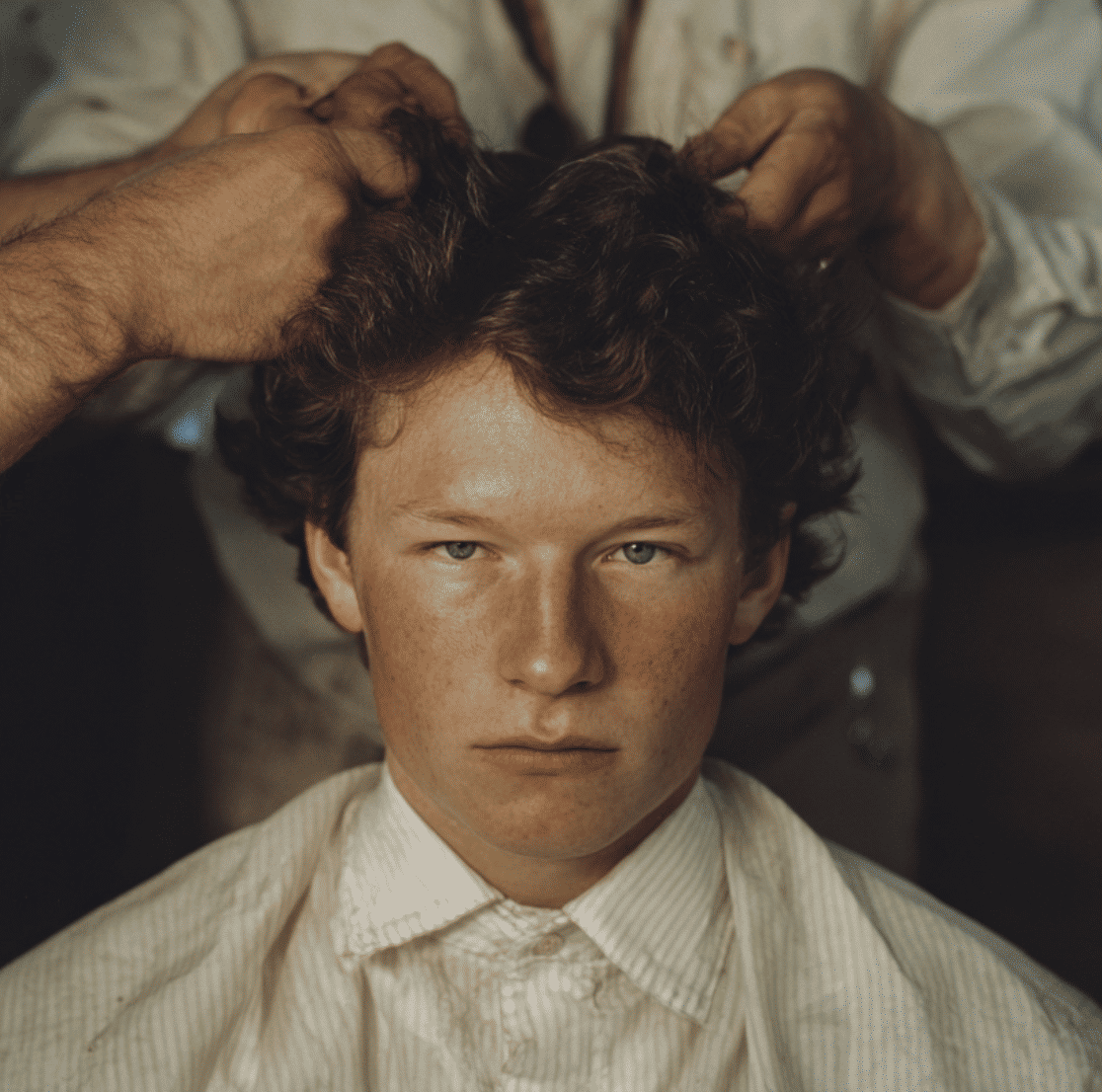
Low-resolution input sample
{% endhint %}
{% hint style="info" %}
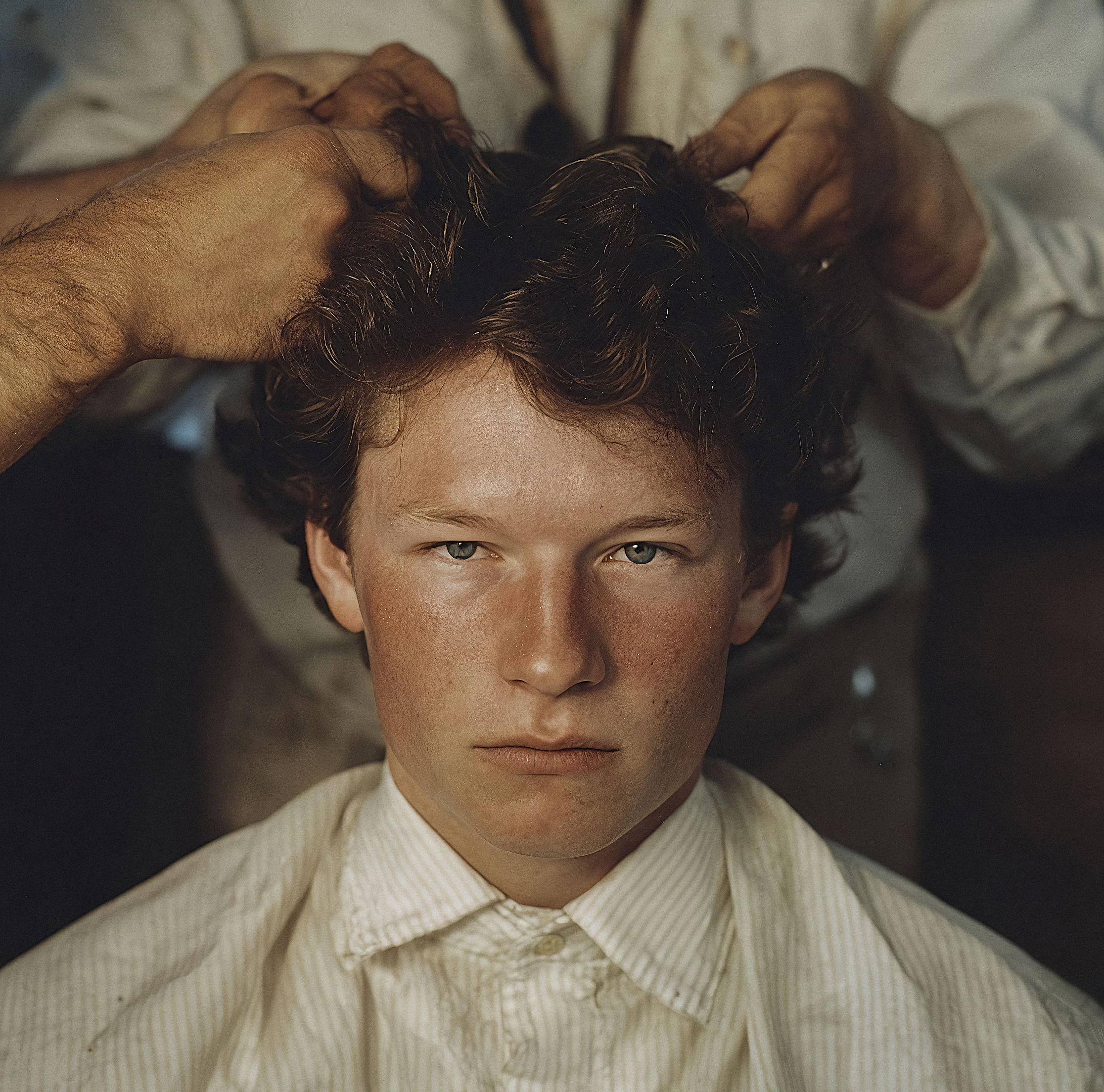
Upscaled result — 4× detail restoration
{% endhint %}
#### **Copy-and-paste prompts**
```
Upscale image to 4x, preserve skin detail, remove JPEG artifacts
```
```
Enhance texture and noise removal for print, keep natural lighting
```
### **Parameters**
#### **Magnific Precision parameters**
| Name | Type | Default | Notes |
| -------------- | ------ | ------- | ------------------------------------------------------------- |
| `Image` | Upload | — | Required input image |
| `Scale Factor` | Select | 2× | Fixed 2× enlargement (API enforces max allowed scale) |
| `Sharpen` | Slider | 50 | 0–100; higher values accentuate edges but can look artificial |
| `Smart Grain` | Slider | 7 | 0–100; reintroduces natural texture for photo realism |
| `Ultra Detail` | Slider | 30 | 0–100; boosts fine structure and clarity |
#### **Magnific Creative parameters**
| Name | Type | Default | Notes |
| --------------------- | ------ | -------- | ------------------------------------------------------------------------------------------------------------------------------------------------------ |
| `Prompt` | Text | — | Optional guidance for creative reinterpretation |
| `Image` | Upload | — | Required input image |
| `Optimization Preset` | Select | Standard | Standard, Soft Portraits, Hard Portraits, Art & Illustration, Video Game Assets, Nature & Landscapes, Films & Photography, 3D Renders, Sci-Fi & Horror |
| `Scale Factor` | Select | 2× | 2×, 4× (2× cost), 8× (4× cost), 16× (8× cost); engine auto-limits if resolution would exceed 10056×10056 |
| `Creativity` | Slider | 2 | -10 to 10; higher values introduce more generative edits |
| `Detail (HDR)` | Slider | 6 | -10 to 10; controls definition and micro-contrast |
| `Resemblance` | Slider | 6 | -10 to 10; keeps the output closer to the original when lowered |
| `Fractality` | Slider | 6 | -10 to 10; governs prompt strength and intricate patterns |
| `Engine` | Select | Auto | Auto, Illusio (illustrations), Sharpy (photos), Sparkle (balanced; reduces JPEG artifacts) |
***
### **Modes**
| Mode | Estimated time | Required inputs | Typical use |
| ----------------------- | -------------- | --------------- | -------------------------- |
| Image → Image (upscale) | \~15 seconds | Image | Upscale for print & detail |
| Image → Image (enhance) | \~15 seconds | Image | Denoise and texture work |
***
### **Output options**
| Option | Values / notes |
| ------- | ------------------------------------------------------------------------------------------------------------------------------------------------------------------------ |
| Scale | Precision: 2× fixed · Creative: 2×, 4×, 8×, 16× (auto-clamped if output would exceed 10056×10056) |
| Formats | PNG, JPG |
| Notes | Creative presets: Standard, Soft Portraits, Hard Portraits, Art & Illustration, Video Game Assets, Nature & Landscapes, Films & Photography, 3D Renders, Sci-Fi & Horror |
***
### **Prompt tips**
* For Precision, start with the base 2× upscale and nudge Sharpen/Ultra Detail carefully—small increments keep it photoreal.
* For Creative, pair a succinct prompt with an Optimization preset that matches the content (e.g., Soft Portraits for faces).
* Dial Resemblance down if you want a bolder reimagining; push Fractality up only when you need intricate stylized detail.
---
# Agent Instructions
This documentation is published with GitBook. GitBook is the documentation platform designed so that both humans and AI agents can read, navigate, and reason over technical content effectively. Learn more at gitbook.com.
## Querying This Documentation
If you need additional information that is not directly available in this page, you can query the documentation dynamically by asking a question.
Perform an HTTP GET request on the current page URL with the `ask` query parameter, and the optional `goal` query parameter:
```
GET https://docs.flora.ai/models/image-models/magnific-upscaler-and-enhancer.md?ask=&goal=
```
`ask` is the immediate question: it should be specific, self-contained, and written in natural language.
`goal` is optional and describes the broader end goal you are ultimately trying to accomplish on behalf of the user. GitBook uses it to tailor the answer towards what is most useful for that goal.
The response will contain a direct answer to the question and relevant excerpts and sources from the documentation.
Use this mechanism when the answer is not explicitly present in the current page, you need clarification or additional context, or you want to retrieve related documentation sections.