> For the complete documentation index, see [llms.txt](https://docs.flora.ai/llms.txt). Markdown versions of documentation pages are available by appending `.md` to page URLs; this page is available as [Markdown](https://docs.flora.ai/getting-started/quickstart.md).
# Quickstart
FLORA philosophy, creative process, and how to get started!
FLORA is the first AI-powered creative workflow system built for professionals who think in systems, not just outputs.
Unlike traditional AI tools focused on one-off generations, FLORA empowers creative teams to design structured, scalable workflows that enhance speed, control, and real-time collaboration.
This quickstart guide will show you how to harness the power of FLORA's node based system to create structured, scalable workflows that give you speed, control, and creative freedom.
## Sign Up & Set Up
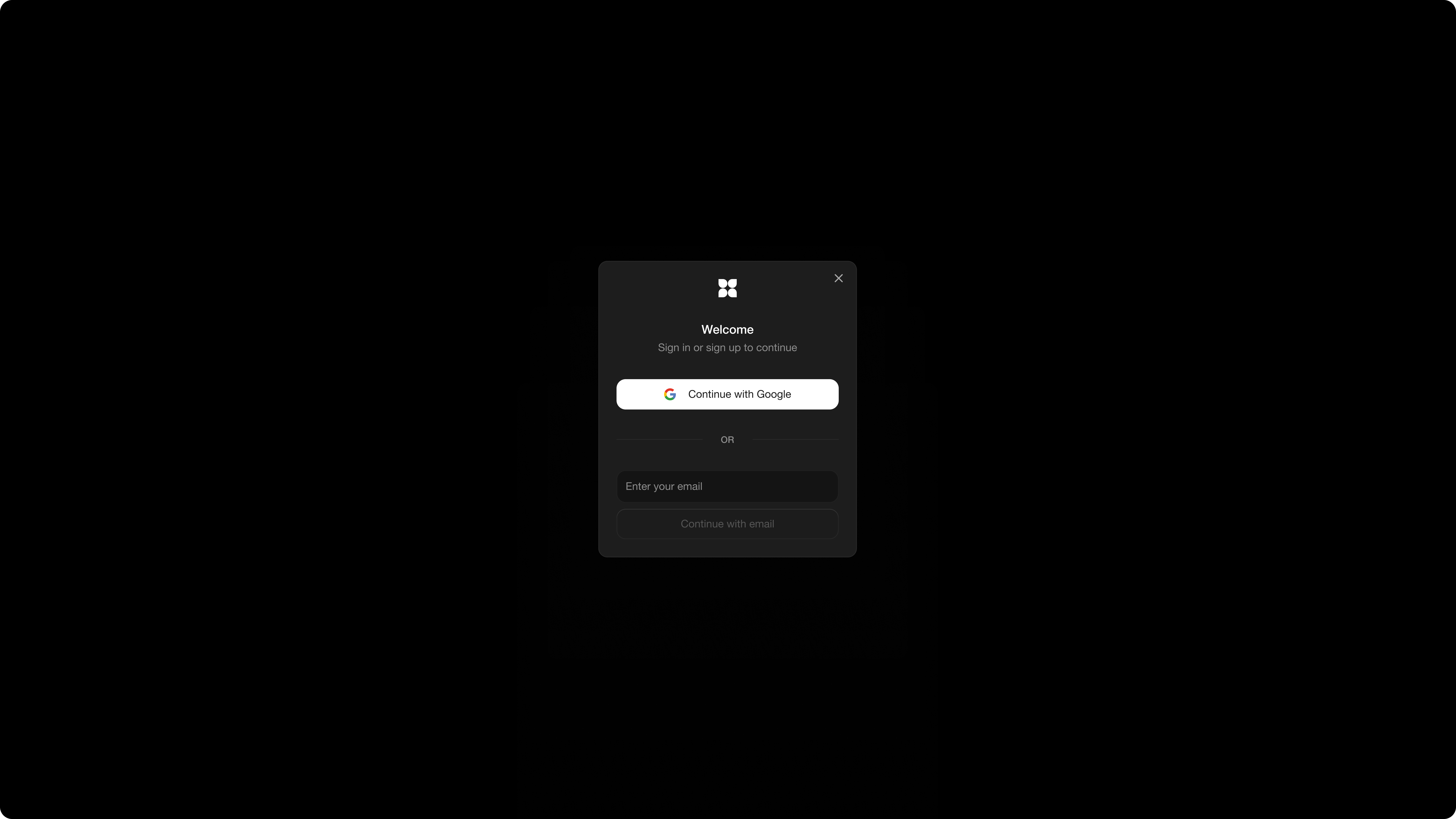
Sign in with Google or use email to create your FLORA account (you may need to verify your email address).
## Welcome to your creative canvas!
Your customized workspace is now set up, ready to bring your ideas to life. Dive in, explore the editor, nodes, and start building your creative workflow. Happy creating! 🥚
Want to learn some FLORA core concepts before you start creating?
Dive right into learning about our modality Nodes and Editor. [Node Overview](/nodes/editor.md)
---
# Agent Instructions
This documentation is published with GitBook. GitBook is the documentation platform designed so that both humans and AI agents can read, navigate, and reason over technical content effectively. Learn more at gitbook.com.
## Querying This Documentation
If you need additional information that is not directly available in this page, you can query the documentation dynamically by asking a question.
Perform an HTTP GET request on the current page URL with the `ask` query parameter, and the optional `goal` query parameter:
```
GET https://docs.flora.ai/getting-started/quickstart.md?ask=&goal=
```
`ask` is the immediate question: it should be specific, self-contained, and written in natural language.
`goal` is optional and describes the broader end goal you are ultimately trying to accomplish on behalf of the user. GitBook uses it to tailor the answer towards what is most useful for that goal.
The response will contain a direct answer to the question and relevant excerpts and sources from the documentation.
Use this mechanism when the answer is not explicitly present in the current page, you need clarification or additional context, or you want to retrieve related documentation sections.