> For the complete documentation index, see [llms.txt](https://docs.flora.ai/llms.txt). Markdown versions of documentation pages are available by appending `.md` to page URLs; this page is available as [Markdown](https://docs.flora.ai/faqs-how-to.../styles.md).
# Styles (deprecated)
{% hint style="danger" %}
**Note:** The Styles feature is currently unavailable and has been deprecated for now. You can still upload LoRAs to supported models (such as Flux Dev), but other style tools are not accessible at this time. Stay tuned for future updates with improved style features.
{% endhint %}
## Overview
FLORA’s **Styles** feature allows you to **apply specific visual styles to your image generations**. Styles Feature enhances t2i (text-to-image) and i2i (image-to-image) generation by allowing users to apply **predefined aesthetic filters** or **train their own custom styles**. This feature enables greater creative control, ensuring that outputs align with specific artistic or brand identities.
{% hint style="warning" %}
**Model Compatibility:** Style LoRAs are fine-tuned exclusively on **Flux Dev** and work best with that model. When using styles with other image models, FLORA will automatically generate a text summary describing the style's visual characteristics, which is then included in the prompt sent to the model. Results may vary depending on how well the target model interprets these style descriptions.
{% endhint %}
### **1. Predefined Styles**
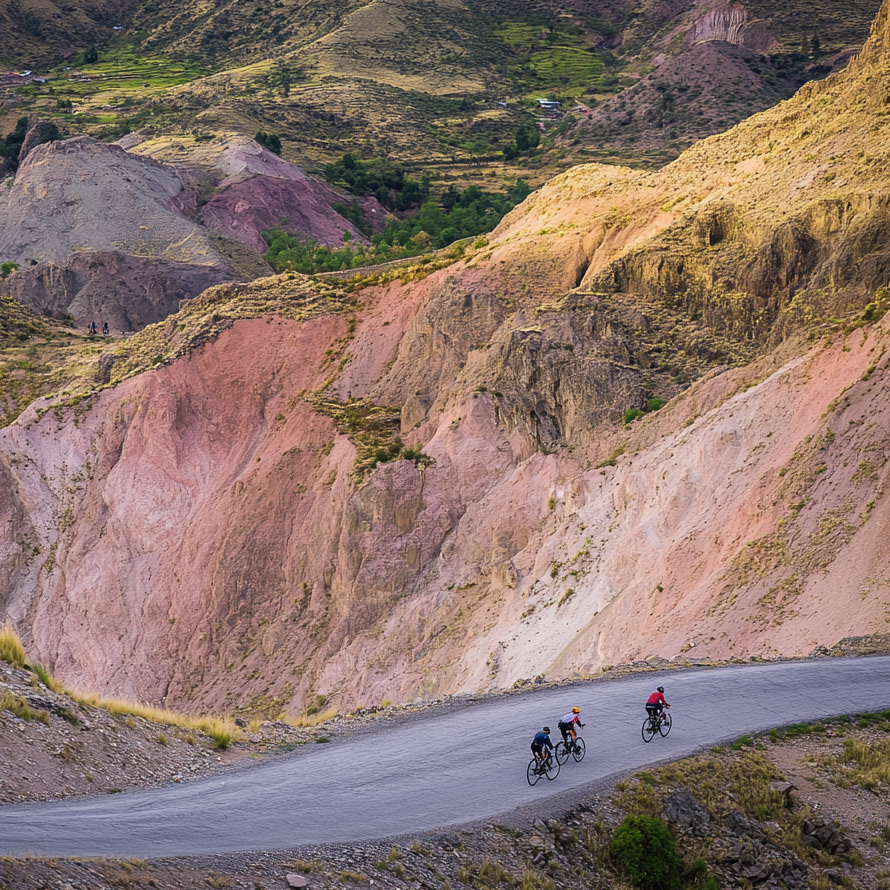
FLORA provides a curated selection of **predefined styles**, optimized for high-quality and consistent results across different image generations. These styles modify the **aesthetics, color, mood, tone, and content (characters, objects)** of generated images. Each preset comes with imagery and titles that highlight when it shines (for example, Motion Blur for kinetic shots or Extreme Detailer for macro textures). Simply browse the collection, pick what fits, and the editor handles the rest.
#### **1.1 Styles for Flux Dev**
Users can choose from a growing library of styles, categorized as follows:
**Fisheye**
> Depth cues, model shading, digital flesh.
**3D**
> Not about real-world cameras—more like Blender renders. LoRA captures things like subsurface scattering, ambient occlusion, baked shadows. Geometry feels synthetic, form takes priority over texture.
**X-Ray**
> Imagined transparency.\
> Subjects are peeled open—bones, wiring, inner systems exposed. A LoRA that trains on radiographic motifs but fakes the effect across arbitrary subjects. Useful for metaphor: revealing the hidden.
**Studio Lighting**
> Controlled shadows, sharp highlights.\
> Key light, fill light, rim light—classic three-point setup. Every pixel feels considered. LoRA adapts subject matter to sit inside a constructed scene, often with high contrast and shallow depth of field.
**Motion Blur**
> Speed encoded into the image.\
> Simulates long exposure or rapid motion. Directional streaking, trailing forms. Often used in cyberpunk, dance, or action-heavy outputs. The blur is compositional—it pulls the eye.
**Monochrome**
> One hue, infinite values.\
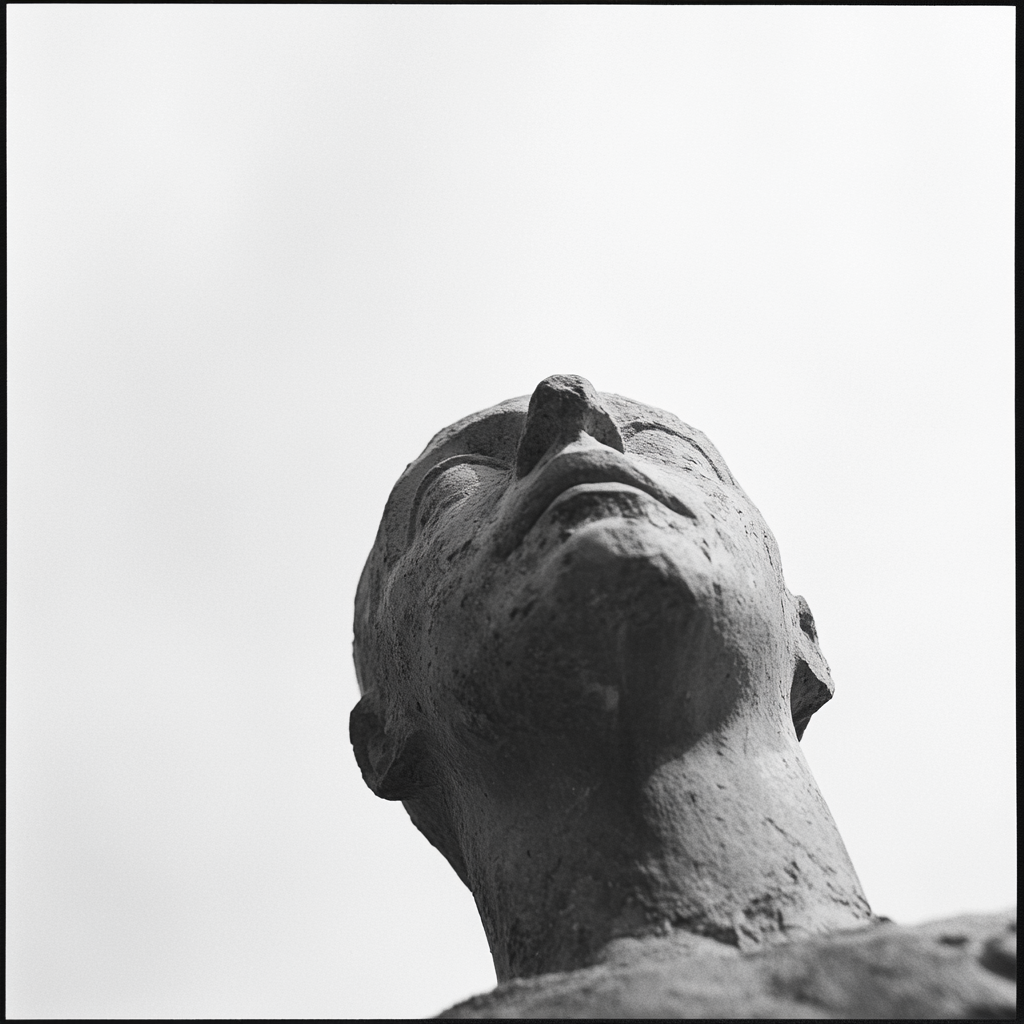
> LoRA removes color information, but enhances detail through contrast. Could be charcoal, cyanotype, or film noir. Emphasizes shape, light, emotion—less distraction, more weight.
**Architectural**
> Structured, rectilinear, scale-aware.\
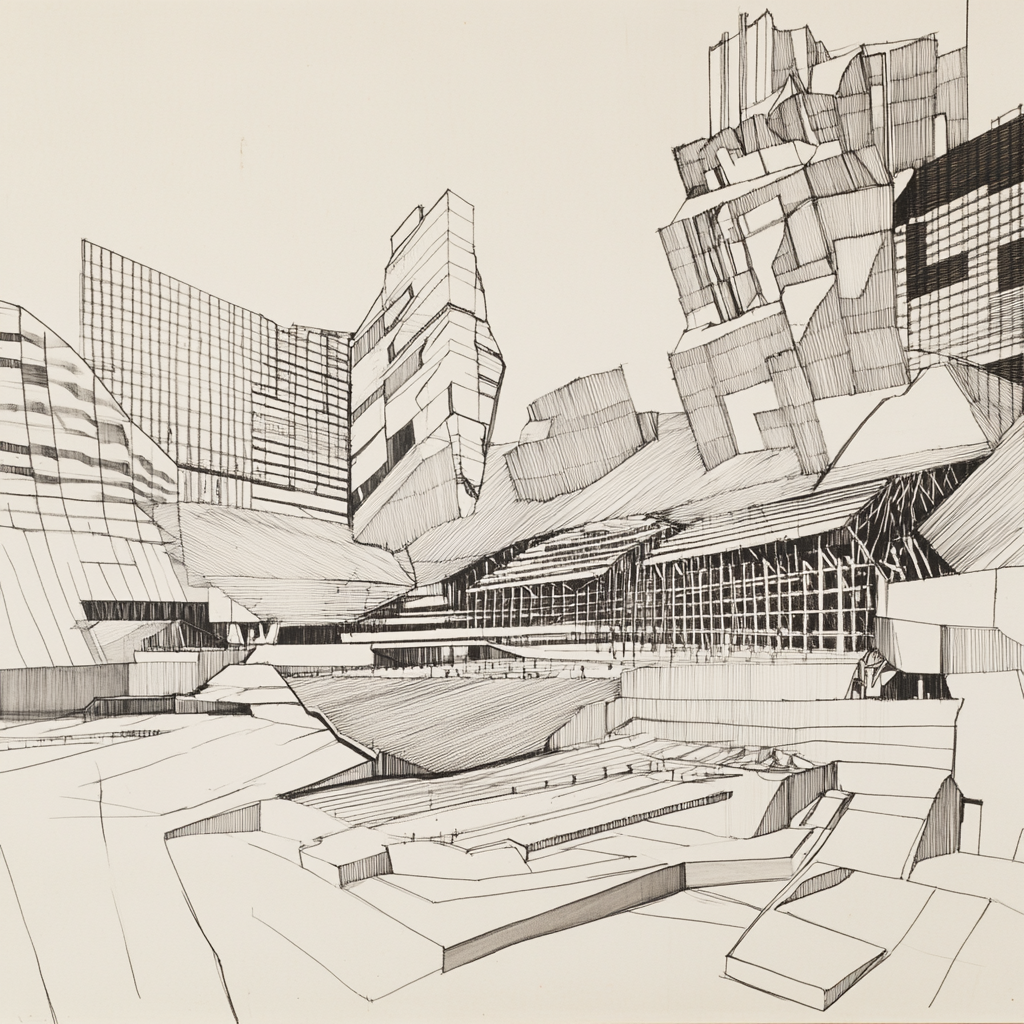
> Linearity dominates—LoRA learns blueprints, elevations, orthographic projection. Often defaults to modernism unless nudged. Useful for clean geometry and visual order.
**Soft Focus**
> Dream logic.\
> Edges melt. Light blooms. Often draws from portraiture, especially analog. Feels cinematic or romantic. This LoRA suppresses crisp detail in favor of mood.
**Animated**
> Stylized, minimal texture, exaggerated form.\
> Pulls from anime, Western animation, or game cutscenes. Flat shading, color blocking, large eyes, expressive lines. A LoRA that suppresses photorealism in favor of symbol.
**Vector**
> Infinitely scalable.\
> Line clarity, color fields, no noise. Think Figma assets, logo packs, poster icons. A LoRA that favors SVG-like outcomes. It flattens depth, prioritizes readability.
**Photorealistic**
> As close to lens-based capture as possible.\
> High fidelity textures, correct shadows, plausible lighting, skin imperfections. LoRA draws on real-world datasets and DSLR optics. Often pairs well with materiality prompts.
**Line Drawing**
> Gesture over mass.\
> Black ink, pencil, or digital stroke. Negative space plays a role. LoRA reduces values to contours—ideal for diagrams, instructions, or ideation sketches.
**Product Mockup**
> Perfect surfaces.\
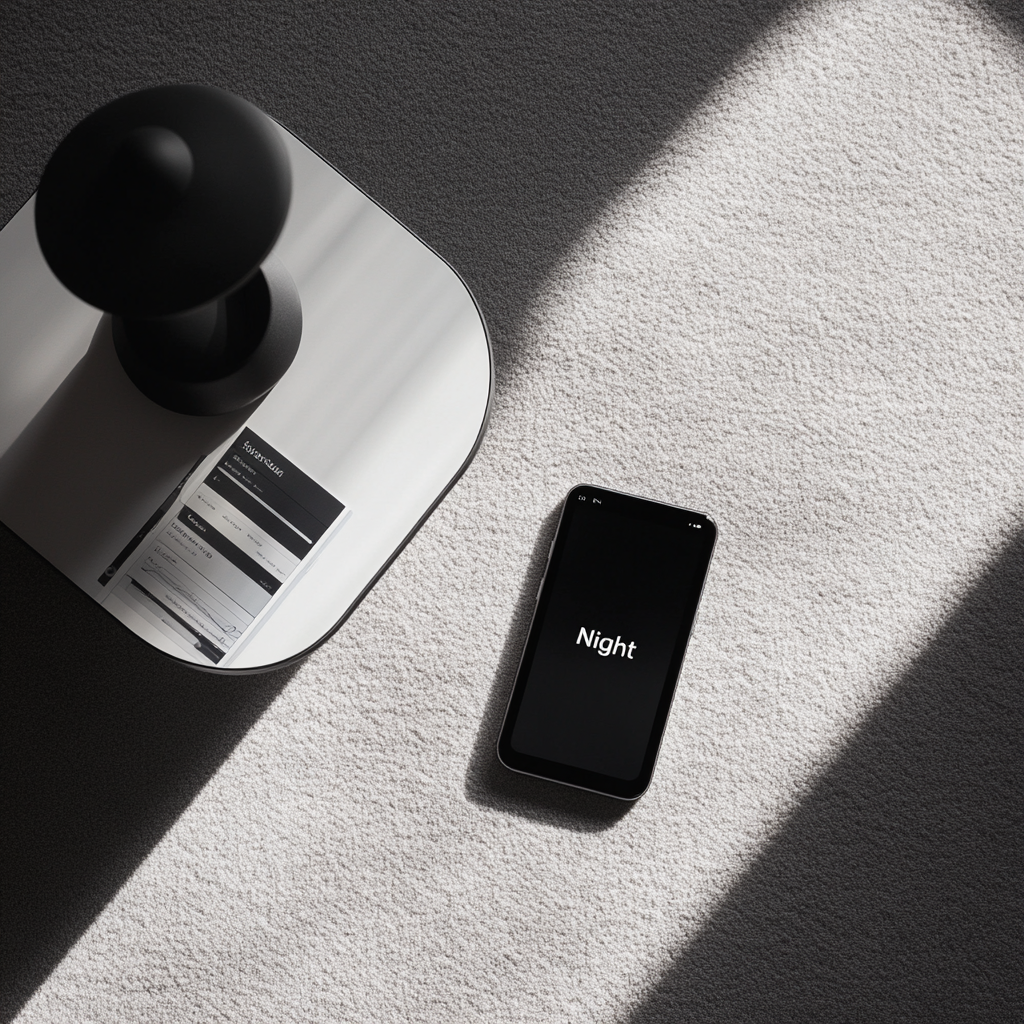
> Rendered packaging, floating objects, top-down minimal backdrops. LoRA learns from ecommerce, product design, and pitch decks. Prioritizes clean, centered, desirable.
**Extreme Detailer**
> Texture fanatics.\
> Zoom in: every pore, crack, wrinkle. This LoRA overfits on microstructures—hyperreal to the point of obsession. Can verge on the grotesque if unchecked.
**Cinematic**
> Frame as story.\
> Aspect ratio matters. Lighting dramatizes. Color grading carries tone. LoRA may reflect film stock, composition theory, or golden hour. Meant for stills that feel like scenes.
Each style adjusts image attributes such as **aesthetics, composition, mood, tone, and content.**
***
### **2. Custom Style Training**
For users seeking **high-level, customized creative ownership**, FLORA enables **custom style training**, allowing users to upload reference images and train a model that adapts to their unique aesthetic.
#### **2.1 How Custom Style Training Works**
1. **Upload Reference Images** – Provide a set of images that represent the desired visual style. Hit Create Style button to start the training.
{% hint style="info" %}
For best result, a minimum of 8 images are required to start the training process.
{% endhint %}
2. **Training Process** – When the training is done, you'll get a notification.
3. **Preview** – You can find your customized Style on the left side tool bar. Your custom style will also show up on the tool bar above the image node, with all the other default styles.
---
# Agent Instructions
This documentation is published with GitBook. GitBook is the documentation platform designed so that both humans and AI agents can read, navigate, and reason over technical content effectively. Learn more at gitbook.com.
## Querying This Documentation
If you need additional information that is not directly available in this page, you can query the documentation by asking a question.
Perform an HTTP GET request on the following URL with the `ask` and `goal` query parameters:
```
GET https://docs.flora.ai/faqs-how-to.../styles.md?ask=&goal=
```
`ask` is the immediate question: it should be specific, self-contained, and written in natural language.
`goal` is what the user is ultimately trying to achieve, the reason they need the answer. Sharing it helps GitBook give you a better, more relevant answer. A goal is most helpful when it describes the outcome the user wants rather than restating the question. For example, with `ask=how do I create an API token`, a goal like `automate deployments from our CI pipeline` lets GitBook tailor the answer to that use case.
The response will contain a direct answer to the question and relevant excerpts and sources from the documentation.
Use this mechanism when the answer is not explicitly present in the current page, you need clarification or additional context, or you want to retrieve related documentation sections.


.png?alt=media&token=a3193d10-af4e-4f45-a96f-445adc5f835b)




.png?alt=media&token=0089eaaa-cbb9-4536-865c-ab57c0e7a4cb)