> For the complete documentation index, see [llms.txt](https://docs.flora.ai/llms.txt). Markdown versions of documentation pages are available by appending `.md` to page URLs; this page is available as [Markdown](https://docs.flora.ai/editor/canvas.md).
# Canvas
## Summary
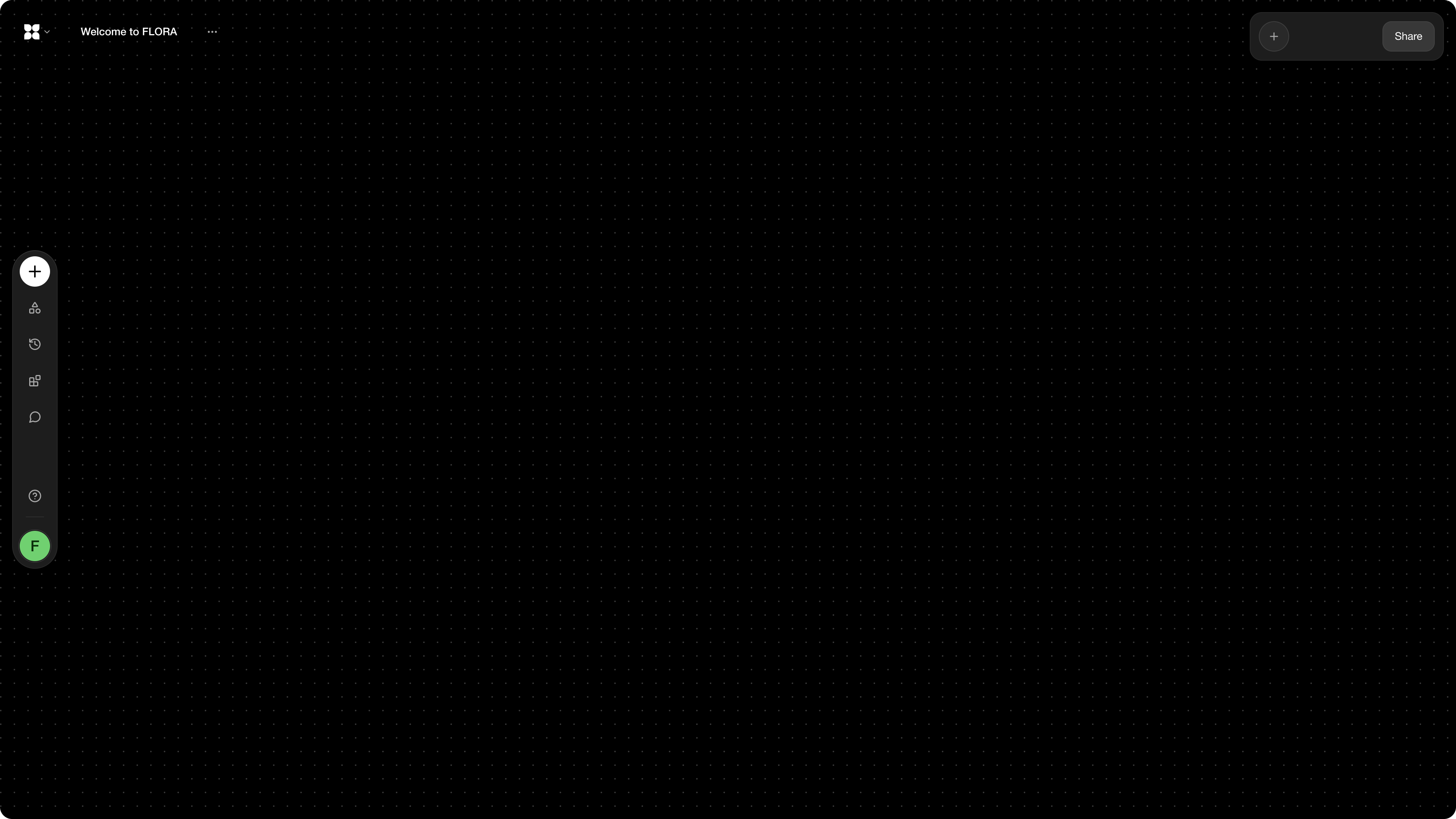
FLORA's canvas is your creative garden. You can spawn nodes, connect nodes, edit parameters, and create your own personalized workflows.
## Getting Started
There are many ways to start populating the canvas with your creative thoughts.
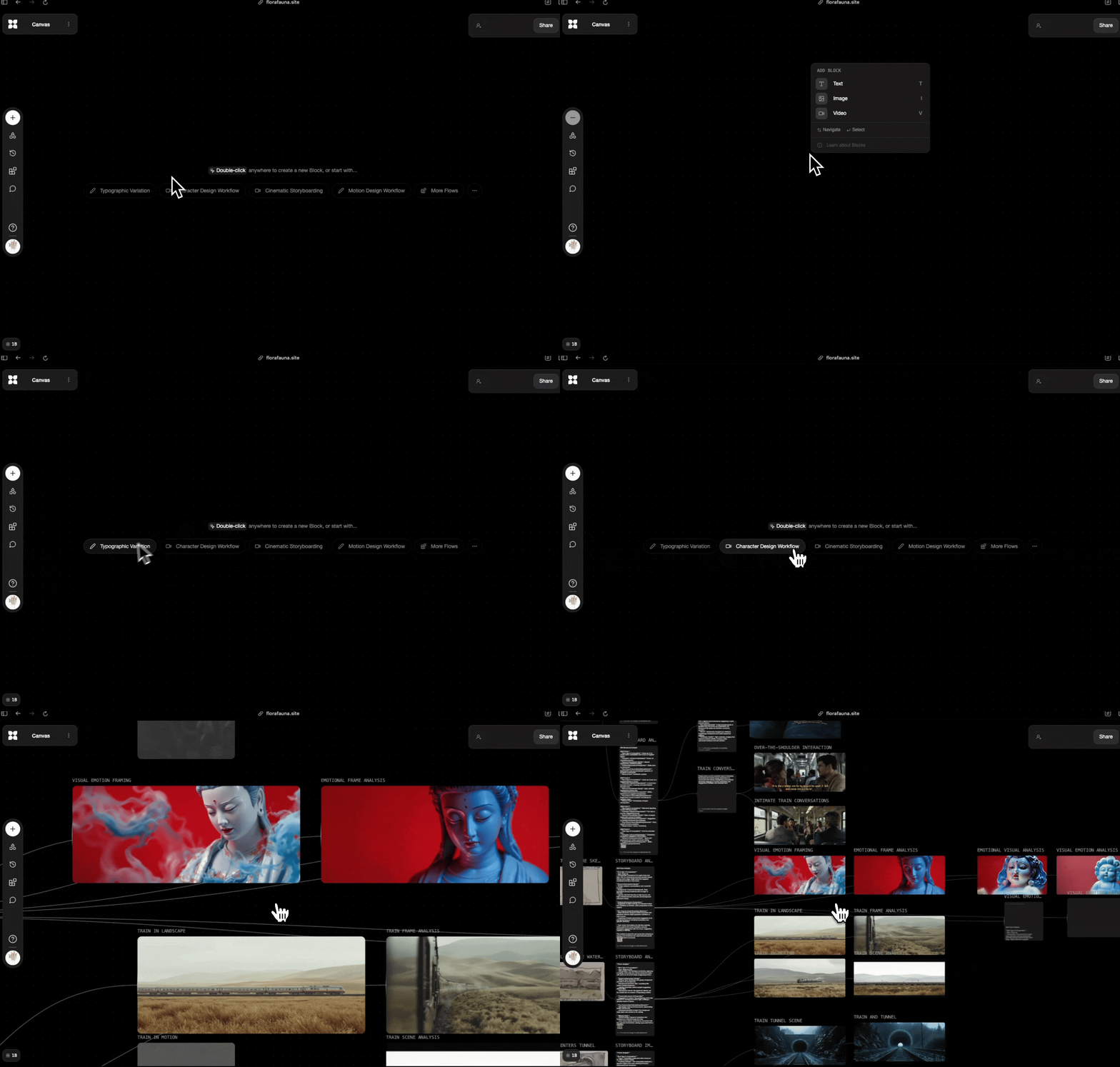
Simply **Double-Click** to spawn a node or click on any of the selected workflows to start.
## Connecting Nodes
FLORA brings over 50+ text, image, and video models to one canvas, saving you time and effort in context- and tool-switching. With this approach, you can connect nodes of different modalities, using our open-ended canvas to ideate, explore different creative directions, compare models and prompts, and more.
To connect a node, simply drag the '+' handle from a node that's on the canvas.
Here are **just a couple** of example use cases of connecting nodes:
* **Text node to image node:** Connect the output of a text node to the input of an image node.
* **Image node to video node:** Connect one or multiple image nodes to a video node as a reference frame (depending on the model, can be first frame, last frame, or both).
As AI model capabilities advance, the number of possibilities around combining text / image / video nodes expands.
## Color Tagging
You can assign color tags to nodes to visually organize your canvas. Color tags appear as colored highlights on nodes, making it easy to group related content by theme, status, or any system that works for your workflow.
### Tagging individual nodes
Select a node and use the **color tag** option in the node toolbar to assign a color.
### Tagging multiple nodes at once
Select multiple nodes on your canvas (drag-select or Shift+click), and the **multi-selection toolbar** will appear with a color tag picker. Choose a color to apply it to all selected nodes simultaneously — useful for quickly categorizing batches of nodes.
## Bulk Parameter Editing
When you select **two or more blocks of the same type and mode** on the canvas (e.g., two image generation blocks both using the same modality), a **Bulk Parameters Panel** appears in the right sidebar. This lets you edit shared parameters across all selected blocks at once — no need to update each block individually.
* **Shared parameters only** — The panel shows only the parameters that exist on every selected block. Parameters unique to a single block are not shown.
* **Mixed values** — When selected blocks have different values for a parameter, the field shows a "Mixed" indicator. Editing the field applies the new value to all selected blocks.
* **Model selector** — If the selected blocks share compatible models, you can switch models for all of them at once from the bulk panel.
This is especially useful when you want to apply consistent settings (seed, guidance, aspect ratio, etc.) across multiple blocks in a comparison or batch workflow.
### Reordering Connected Inputs
When a node has multiple connected inputs — such as several images wired into a generation node, or multiple text inputs on an Action node — you can **drag to reorder** them. Grab any connected input and drag it up or down to change the order in which inputs are processed.
### Wiring In-Progress Nodes
You can connect nodes that are still processing (such as a Document node that hasn't finished extracting text yet) to downstream nodes. FLORA validates readiness at generation time, not at connection time — so you can build your workflow while earlier steps are still running.
---
# Agent Instructions
This documentation is published with GitBook. GitBook is the documentation platform designed so that both humans and AI agents can read, navigate, and reason over technical content effectively. Learn more at gitbook.com.
## Querying This Documentation
If you need additional information that is not directly available in this page, you can query the documentation dynamically by asking a question.
Perform an HTTP GET request on the following URL with the `ask` and `goal` query parameters:
```
GET https://docs.flora.ai/editor/canvas.md?ask=&goal=
```
`ask` is the immediate question: it should be specific, self-contained, and written in natural language.
`goal` is what the user is ultimately trying to achieve, the reason they need the answer. Sharing it helps GitBook give you a better, more relevant answer. A goal is most helpful when it describes the outcome the user wants rather than restating the question. For example, with `ask=how do I create an API token`, a goal like `build a script that syncs our docs to a CMS` lets GitBook tailor the answer to that use case.
The response will contain a direct answer to the question and relevant excerpts and sources from the documentation.
Use this mechanism when the answer is not explicitly present in the current page, you need clarification or additional context, or you want to retrieve related documentation sections.